Many of the answers supplied by a volunteer in the application for are editable, but somethings are locked.
If you are trying to edit the personal details of a volunteer you need to click on the 'edit' button in the volunteer application page

If the volunteer is the main account holder (they must be over 16 years old to hold their own account) you will see this message:
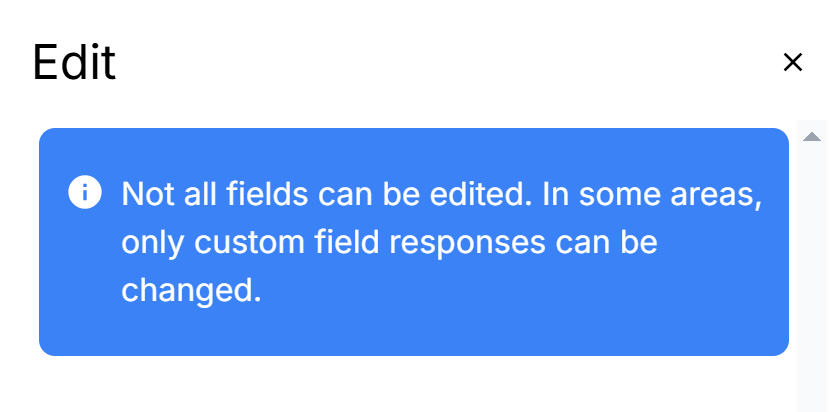
Any of the details you wish to make changes too will need to be done by the volunteer themselves in their profile area (https://app.signmeup.org.uk/user/profile). This is because these details are used in any application this user makes through SignMeUp and changing them could impact the information another organisation is relying on.
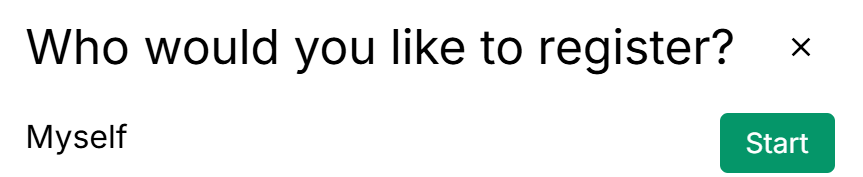
It is a common problem that an adult creates an account using their DOB, but a young volunteer's name and then makes an application using the 'myself' option. This makes it look like the application has been made for the young volunteer but then the DOB is incorrect and is not editable in the admin area. In this instance you will need to contact the account holder using the user email address and explain how to access their profile area to change the account to be in their name and then register another volunteer through their account (using the 'someone new' option)

NB - the main account holder is unable to edit their own date of birth through the profile area. These requests need to be submitted as a request through the ticket desk.
Was this article helpful?
That’s Great!
Thank you for your feedback
Sorry! We couldn't be helpful
Thank you for your feedback
Feedback sent
We appreciate your effort and will try to fix the article